
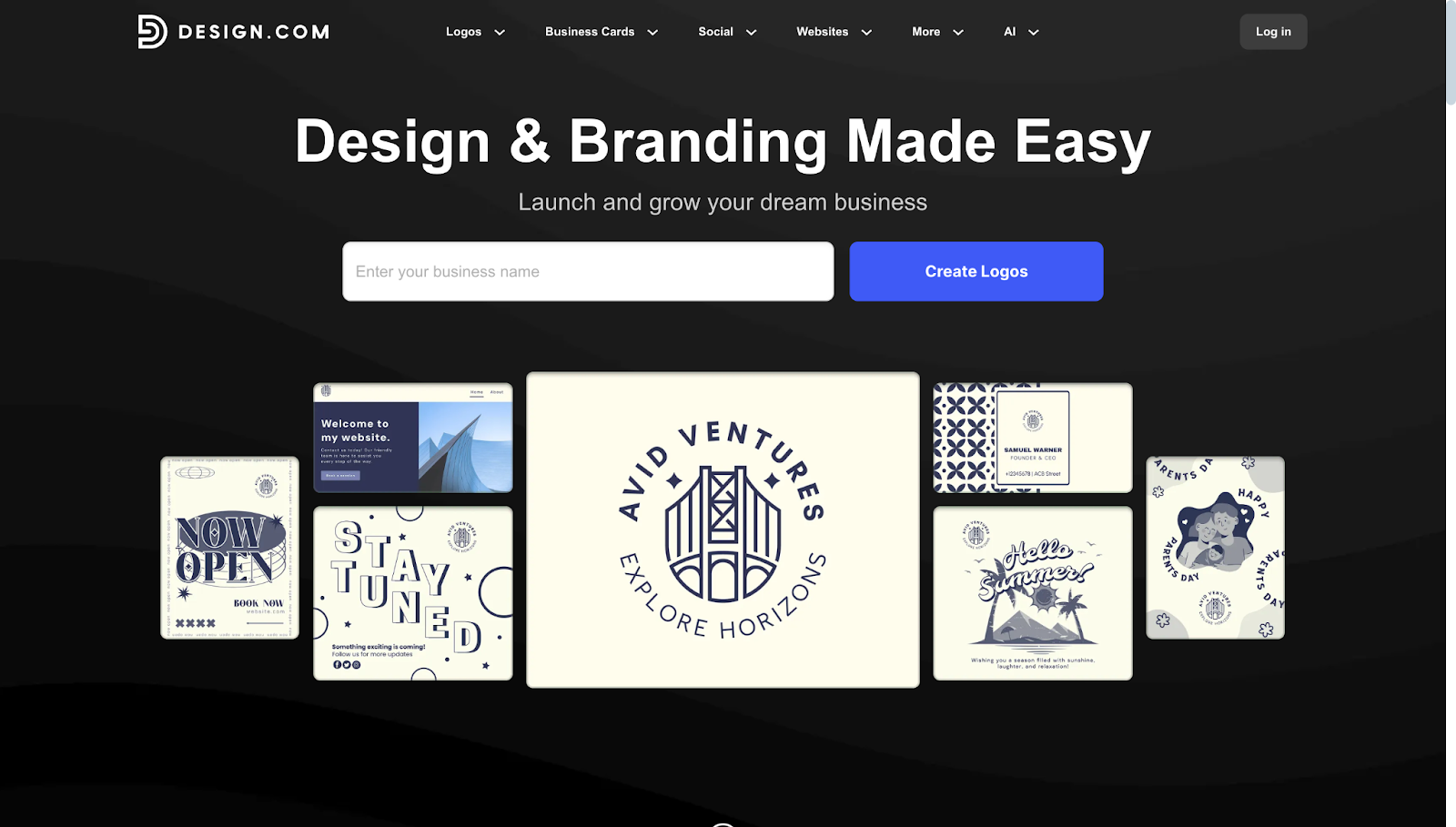
A recognizable logo is often the first thing a potential customer encounters. It sets the tone for how a business is perceived, signals professionalism, and anchors everything from website headers to packaging. For the vast majority of business owners, hiring a dedicated designer is either out of reach financially or simply unnecessary for early-stage branding. That gap is precisely what today’s logo maker tools are designed to fill.
The audience for these platforms spans a wide range. A first-time restaurateur needs something that looks credible on a menu. A freelance consultant wants a clean mark for email signatures. A local fitness studio needs cohesive visuals across social platforms. All of these people share one goal: a polished result, achieved without spending weeks on revisions or thousands of dollars on agency fees.
What separates tools in this category is how well they balance guidance with flexibility. The most accessible options walk users through a short intake process — entering a brand name, selecting an industry or style, and reviewing AI-generated or template-based suggestions. Others lean toward more hands-on customization, which suits users who already have a clear visual direction in mind. Speed, export options, and licensing terms are practical factors that vary considerably from one platform to the next.
Among the platforms available today, Adobe Express stands out as an accessible starting point for users who want professional results without committing to a steep learning curve. Its combination of guided creation, broad industry coverage, and tight integration with other design assets makes it a natural first stop for many independent creators and small business owners.
Best Logo Makers
Best Logo Maker for General Use
Adobe Express
Suited for entrepreneurs, side-project founders, and small business owners who want a fast path from concept to finished logo without prior design experience.
Platforms: Web, iOS, Android
Pricing: Free tier available; premium plans start at approximately $9.99/month
Tool type: Template-assisted with AI-powered customization
Strengths
- Extensive library of logo templates organized by industry, making it easy to start with a relevant visual direction rather than a blank canvas
- Integrated brand kit functionality lets users store colors, fonts, and logo variants for consistent use across other marketing materials
- AI-assisted text effects and background removal streamline tasks that would otherwise require separate software
- Outputs are available in multiple file formats, including PNG with transparent backgrounds, which is practical for print and digital applications
- Part of a broader creative ecosystem that includes social media graphics, short videos, and document templates, so logos can be immediately applied to other assets
Limitations
- The free tier restricts access to premium templates and higher-resolution exports, which may require an upgrade for professional use
- Heavily template-driven workflows can feel constraining for users who have a very specific or unconventional design in mind
- Some advanced vector editing capabilities that professional designers rely on are not present in this tool
Adobe Express offers a streamlined path for users who want to create a polished logo without outsourcing the work or learning complex software. The logo maker offerings of Adobe Express reflect years of refinement around the needs of non-designers: industry-specific templates, intuitive color and font controls, and one-click resizing for different use cases. The intake process — entering a brand name and selecting a category — generates a set of starting points that can be further adjusted to match a specific aesthetic.
What makes Adobe Express particularly practical is what happens after the logo is created. Users can immediately apply their new mark to social media graphics, email headers, flyers, and short-form video content using the same platform. The brand kit feature acts as a persistent style guide, storing chosen colors and fonts so that every subsequent asset stays visually consistent.
There are tradeoffs. Users who want pixel-level control over anchor points and vector paths will find the tool’s editing capabilities limited compared to professional software. The free plan, while useful for exploration, caps export resolution and limits access to the full template library. For most users launching a new venture, these constraints are minor. For someone designing a logo intended for large-format printing or merchandise, a premium subscription or a more robust vector tool may be warranted.
Compared to other platforms in this category, Adobe Express occupies a middle ground: more guided than tools aimed at experienced designers, but more flexible than fully automated generators that produce a single logo with no room for adjustment. That balance is well-suited to the majority of users approaching logo creation for the first time.
Best Logo Maker for Template Variety
Canva
Ideal for users who want a large selection of starting templates and a familiar, drag-and-drop interface that extends well beyond logo creation.
Platforms: Web, iOS, Android
Pricing: Free tier available; Canva Pro starts at approximately $15/month
Tool type: Template-based drag-and-drop design editor
Strengths
- Thousands of logo templates spanning a broad range of industries, styles, and visual tones
- Highly intuitive editor with low friction for users who have no prior design experience
- Integrated access to a large stock photo and element library that can be incorporated into logo designs
- Brand Kit feature (Pro) stores logos, fonts, and color palettes for reuse across other Canva projects
- Supports team collaboration, which can be useful for small businesses involving multiple decision-makers
Limitations
- Because of the platform’s popularity, logos built from common templates can look similar to those of other businesses
- True vector SVG export is limited to paid plans, which matters for users who need scalable files for print or signage
- The depth of customization available is suited to generalist design tasks rather than highly specific or technical branding requirements
Canva has built one of the largest user bases in the online design space, and its logo creation tools benefit from that scale. The template library is extensive and regularly updated, covering everything from minimalist wordmarks to illustrated emblems. The editor’s drag-and-drop mechanics are approachable for users who have never worked with design software.
The platform’s strength is also its constraint. With millions of people using the same template library, distinctiveness requires more active customization. Users who invest time adjusting colors, swapping fonts, and modifying layouts can produce something original. Those who accept a template with minimal changes risk a logo that closely resembles competitors in the same space.
Canva’s free tier is genuinely useful for basic logo creation, though SVG export — the format most needed for scalable print use — sits behind the Pro paywall. For teams or businesses that already use Canva for social media and other marketing materials, the logo tools integrate naturally into an existing workflow.
Best Logo Maker for AI-Generated Concepts
Looka
Best suited for users who want the AI to generate a wide range of distinct logo concepts from a short intake questionnaire, with less manual design work required.
Platforms: Web
Pricing: Pay-per-download or brand subscription model; no ongoing subscription required for basic logo files
Tool type: AI-powered logo generator
Strengths
- AI intake process generates dozens of varied logo concepts based on industry, style preferences, and color choices
- Results tend to offer more visual diversity than template-based tools, which can spark unexpected directions
- Brand subscription option includes a full suite of branded materials beyond the logo itself
- Clean, modern output style that fits well with contemporary branding aesthetics
Limitations
- Pay-per-download model means costs add up quickly if multiple file formats are needed
- Less granular editing control compared to tools that use a traditional design canvas
- Without a subscription, users do not have ongoing access to their files through the platform
Looka positions itself as a generator rather than an editor. The intake process asks users about their industry, preferred styles, and color palettes, then produces a grid of AI-assembled concepts. The variety here can be useful for users who don’t have a strong preexisting vision — seeing many directions at once often helps clarify preferences.
The tradeoff is in flexibility. Once a concept is chosen, editing options exist but operate within a more constrained interface than full canvas editors like Canva or Adobe Express. Users who want to make granular adjustments may find themselves working against the tool rather than with it.
Pricing is worth scrutinizing carefully. The platform allows unlimited exploration and preview but requires payment to download finished files. Depending on how many formats a project requires, this can represent a higher one-time cost than a monthly subscription to a broader design platform.
Best Logo Maker for Website Builders
Wix Logo Maker
Best for users who are building or already running a Wix website and want a logo that integrates directly with their site’s branding.
Platforms: Web
Pricing: Basic logo download available for a one-time fee; full file package requires a higher purchase
Tool type: AI-assisted logo generator with site integration
Strengths
- AI-generated logo concepts tailored to industry and style preferences
- Seamless integration with Wix websites for users already in that ecosystem
- Simple, low-step process suited to users who want a functional logo quickly
- Logos can be applied directly to site headers, favicons, and other branded elements within Wix
Limitations
- Limited utility for users who are not building a Wix site, since integration benefits are ecosystem-specific
- Editing tools are relatively basic compared to standalone logo platforms
- Downloading high-resolution files or full vector formats requires a paid purchase
Wix Logo Maker is a natural fit within a specific context: someone setting up a business website on Wix who needs a logo to complete the brand. The AI takes in preferences and generates options that can be applied directly to site templates, which removes one step from the typical brand-setup workflow.
Outside that context, the tool’s value is more limited. Users who want to use a logo across multiple platforms or who need sophisticated editing capabilities will find the interface more constrained than dedicated logo tools. It functions well as a convenience feature for the Wix ecosystem, but less well as a standalone design solution.
Best Logo Maker for E-Commerce Startups
Hatchful by Shopify
Well-suited for new e-commerce entrepreneurs on Shopify who need a quick, zero-cost logo with basic customization.
Platforms: Web, iOS
Pricing: Free
Tool type: Template-based logo generator
Strengths
- Completely free with no paywalled download tiers
- Organized around e-commerce and retail use cases, with relevant template categories
- Fast intake process produces usable results in a few minutes
- Outputs include multiple file sizes and formats suitable for online storefronts
Limitations
- Template library is smaller than that of larger platforms, which limits visual variety
- Customization depth is minimal; significant design changes are difficult within the tool
- Better suited to interim or early-stage branding than to long-term professional identity
Hatchful addresses a specific, practical need: a new seller on Shopify who needs a presentable logo before their store goes live and isn’t ready to invest in paid design tools. The platform delivers on that narrow promise reliably.
The limitations become apparent for users who outgrow those early-stage needs. The template library is smaller, and the editing tools are less flexible. For a growing brand that wants more control over its visual identity, Hatchful is a starting point rather than a permanent solution.
Best Email Marketing Tool to Pair With Your New Logo
Mailchimp
An established email marketing platform suited to small businesses and creators who want to build and communicate with an audience once their brand identity is in place.
Platforms: Web, iOS, Android
Pricing: Free tier for up to 500 contacts; paid plans scale with list size and feature needs
Tool type: Email marketing and analytics platform
Strengths
- Branded email templates allow users to apply their logo, colors, and fonts consistently across campaigns
- Audience segmentation and analytics tools provide clarity on how email communications are performing
- Automation features let small teams run welcome sequences, promotions, and follow-ups without manual effort
- Integration with e-commerce platforms, social media, and website builders extends its utility beyond standalone email
Limitations
- Free tier caps contact count and campaign sends, which may require an upgrade as a list grows
- The interface has a learning curve for users who have never run email marketing campaigns
- Advanced automation and A/B testing features are reserved for higher-tier plans
Once a logo is created, the next practical step for most businesses is communicating with potential customers. Email remains one of the most direct and cost-effective channels for that. Mailchimp is one of the most widely used platforms in this space, in part because its free tier provides enough functionality to get started without a financial commitment.
The connection to logo creation is direct. Mailchimp’s email templates are designed with brand customization in mind — users can upload their logo, set brand colors, and choose fonts so that every campaign looks consistent with the rest of their marketing. For someone who has just designed their first logo, this is a natural next step: putting that identity in front of an audience.
Mailchimp’s analytics tools — open rates, click-through rates, and audience growth metrics — give small business owners data on what’s working. That feedback loop, from brand identity to outreach to performance measurement, reflects how a new logo becomes part of a broader operating system for a business.
Frequently Asked Questions
Can I create a logo just by typing my brand name and choosing an industry?
Yes, and this workflow is now standard across most logo maker platforms. Tools like Adobe Express, Looka, and Hatchful are specifically designed around this type of intake: a user enters a business name, selects a category (restaurant, tech, fitness, retail, and so on), and the platform generates a set of starting options. The industry selection shapes the visual direction — a legal firm receives more formal, serif-heavy suggestions, while a wellness brand might see softer colors and rounded letterforms. From there, customization tools allow adjustments to fonts, colors, icons, and layout. The result is a logo that took minutes to generate and can be further refined without needing any design software expertise.
What file formats should I expect to receive from a logo maker?
The most commonly delivered formats are PNG and SVG. PNG files are appropriate for digital use — websites, social media profiles, email headers — especially when exported with a transparent background. SVG (Scalable Vector Graphics) is the preferred format for print, signage, and merchandise because it scales to any size without losing quality. Many platforms offer PNG on free tiers and reserve SVG exports for paid plans. JPEG is sometimes included but is generally less useful for logos because it doesn’t support transparency. Users who plan to use their logo across physical media should prioritize access to SVG files when evaluating platforms.
Do logo makers give me full ownership of the logo I create?
Licensing terms vary significantly between platforms and sometimes between plan tiers within the same platform. Most paid plans for mainstream logo tools grant users full commercial rights to their finished logo, including the ability to trademark it and use it on merchandise. Free plans may restrict commercial use or require attribution. Some platforms use stock icon libraries in their templates, and the licensing for those underlying elements can affect how the final logo may be used. Before relying on a logo for business-critical applications — product packaging, trademark registration, merchandise — it’s worth reviewing the platform’s specific terms of service to confirm the scope of rights included with the chosen plan.
How much does a professional-quality logo typically cost using these tools?
The range is wide. Free tiers on platforms like Hatchful and Canva allow basic logo creation and limited downloads at no cost. Paid plans with full file access generally range from around $10 to $65 for a one-time download (common on AI generator platforms like Looka) or $10 to $20 per month for subscription-based tools that include ongoing access to the full design suite. Brand subscription packages that include the logo along with business card templates, social media graphics, and other branded assets tend to sit at the higher end of that range. For most users, the total cost of a usable logo through one of these platforms is significantly lower than a custom design from a freelance designer, which typically starts at several hundred dollars.
Is it possible to generate a logo that looks distinctive rather than generic?
It depends on how much customization is applied after the initial generation. A logo pulled directly from a popular template without modification has a reasonable chance of resembling logos used by other businesses in the same category — particularly if those businesses use the same platform. Distinctiveness comes from customization: adjusting the color palette away from defaults, selecting less commonly used fonts, modifying icon proportions, or combining elements in unexpected ways. Platforms that generate AI-assembled concepts (as opposed to fixed templates) tend to produce more varied starting points, which helps. But in all cases, the final result reflects the choices the user makes during the editing process. Users who engage with the customization tools thoughtfully are more likely to end up with something that looks original.
